

Free iPhone apps for planners and study
Crane & Bloom is a stationery brand for the time you spend writing and learning.
Like the planner and tools on your desk, we made iPhone and iPad apps to support that time.
Two free apps

Later, on Paper
NEWFor people who love paper planners
A note app for jotting down ideas on the go, to copy into your paper planner later.

Study / Pomodoro & Nap Timer
v2.0 UPDATEFor people who want a space to focus
A timer that sets a rhythm of focus and breaks, with white noise and a nap mode. Works with Apple Watch.
Later, on Paper
Made for people who love handwritten planners.
It doesn't replace your planner. It's a temporary place to keep notes until you write them in.
LanguagesJapaneseEnglish
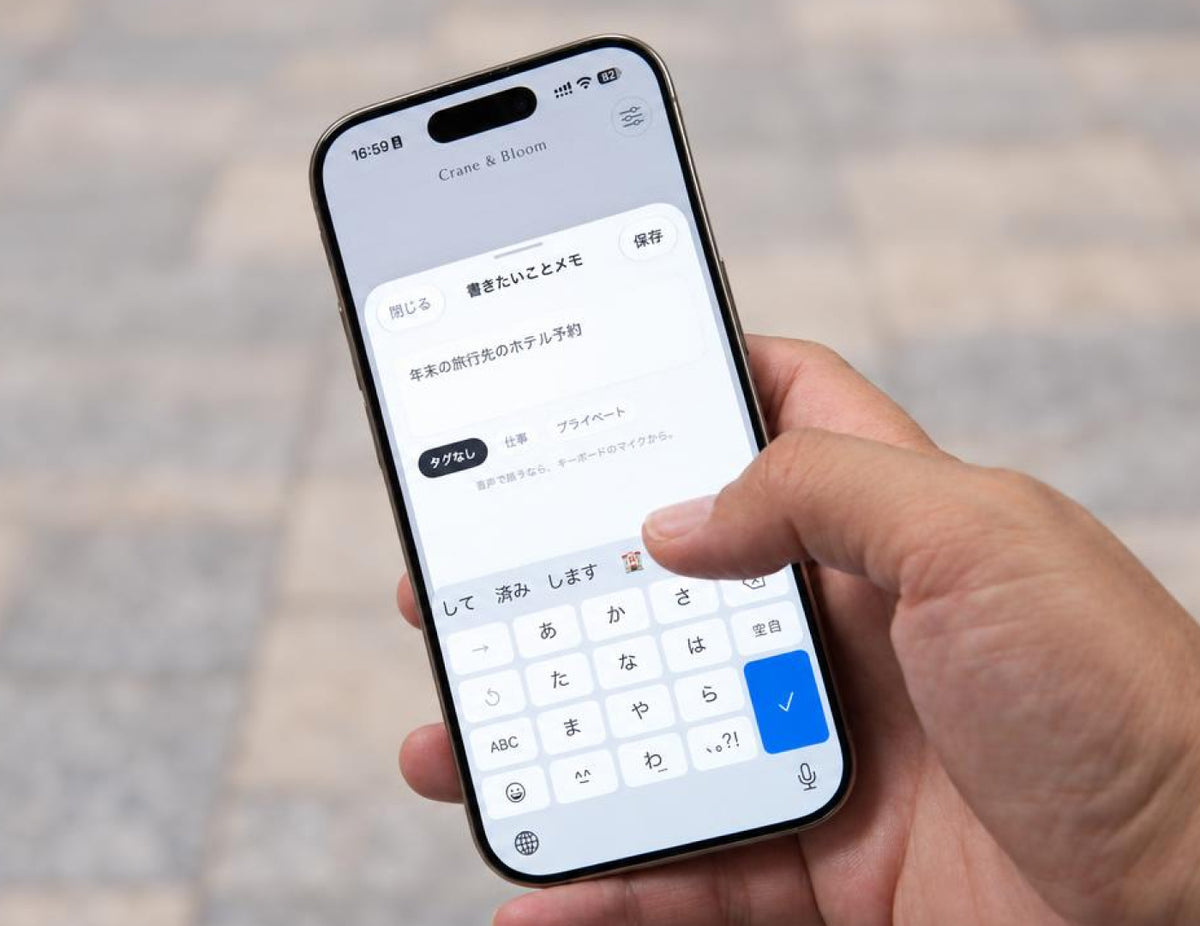
Have an idea? Just jot down a few words.
Standing on the train, walking somewhere, or when your planner is buried at the bottom of your bag.
When something comes to mind and you can't get your planner out, leave yourself a quick note on your phone.
You can sort notes with "Work" and "Personal" tags.
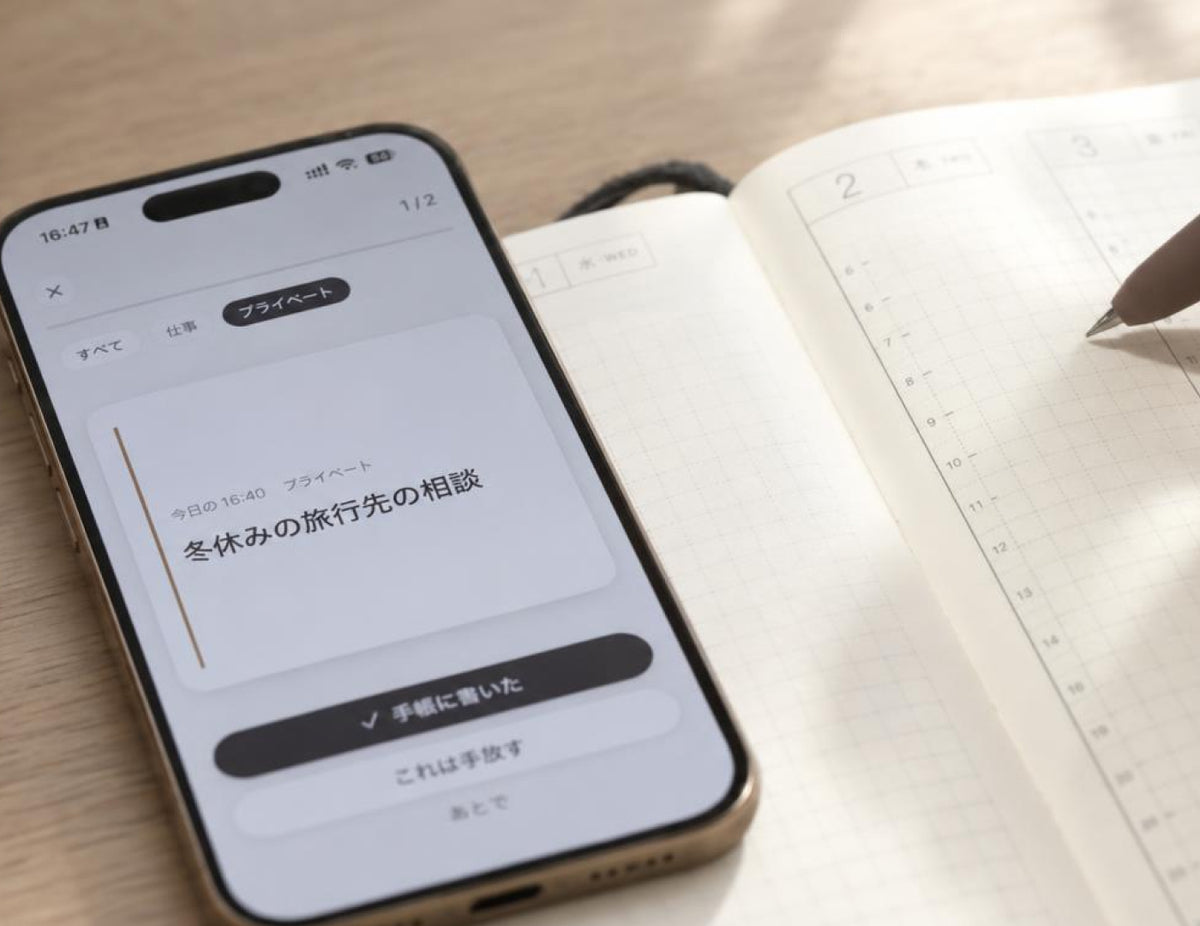
Open your planner and copy them in, one at a time.
When your planner is open, switch to a screen that shows your notes one at a time in large text. Set your phone beside the planner and copy each note onto paper.
Tap "Written" when you're done, or "Let go" if you no longer need it. Copying by hand becomes a moment to decide what really matters.
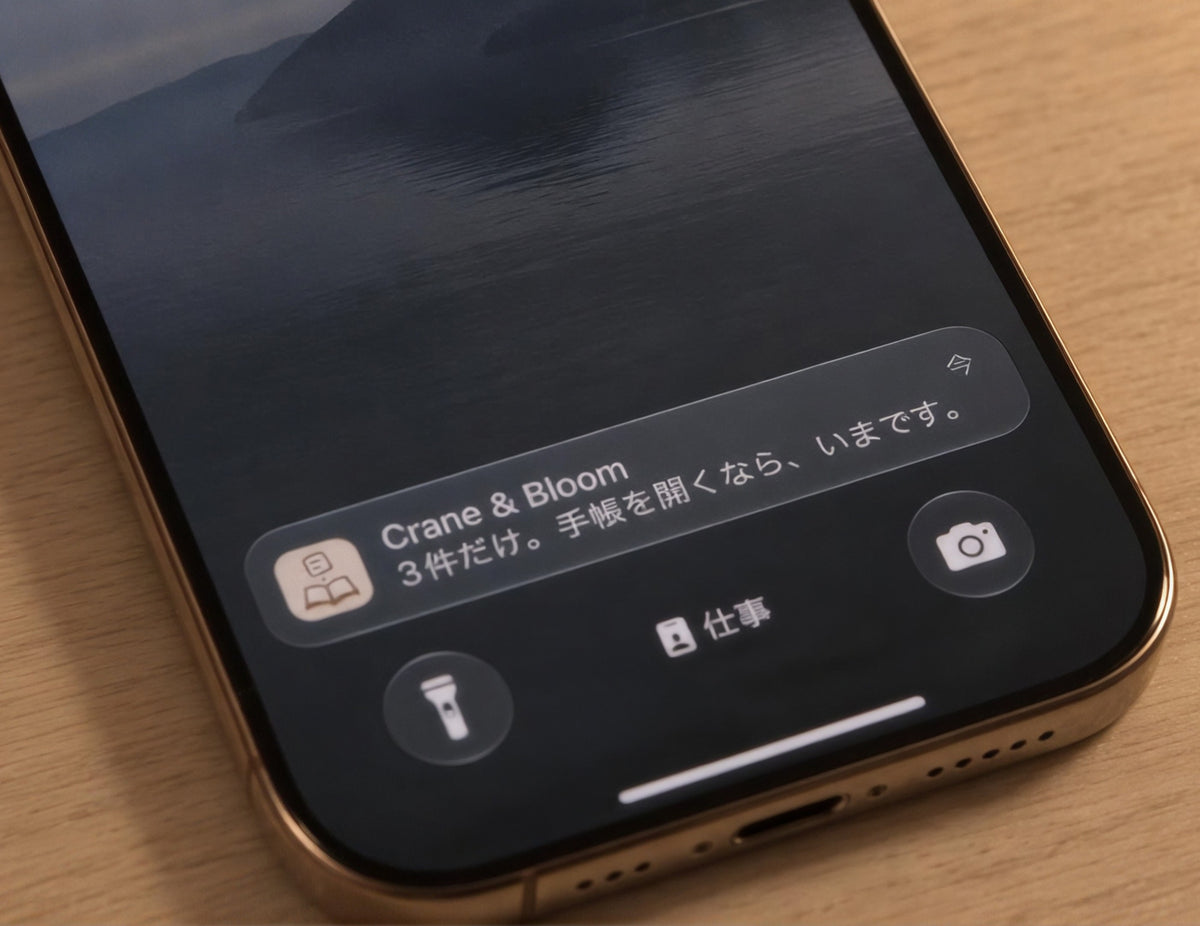
Reminders to copy. Designed so notes don't pile up.
When you have notes waiting, a notification reminds you at the times you choose, up to three times a day. If there's nothing to copy, it stays quiet.
Notes you don't copy are removed from the list after 7 days, so you never end up with a pile of notes you don't want to look at.*
*Besides 7 days, you can choose 14 days, 30 days or "Never" for when notes are removed.
Study / Pomodoro & Nap Timer
A timer that supports your time at the desk with rhythm, sound and rest. Completely free, with no ads.
LanguagesJapaneseEnglish
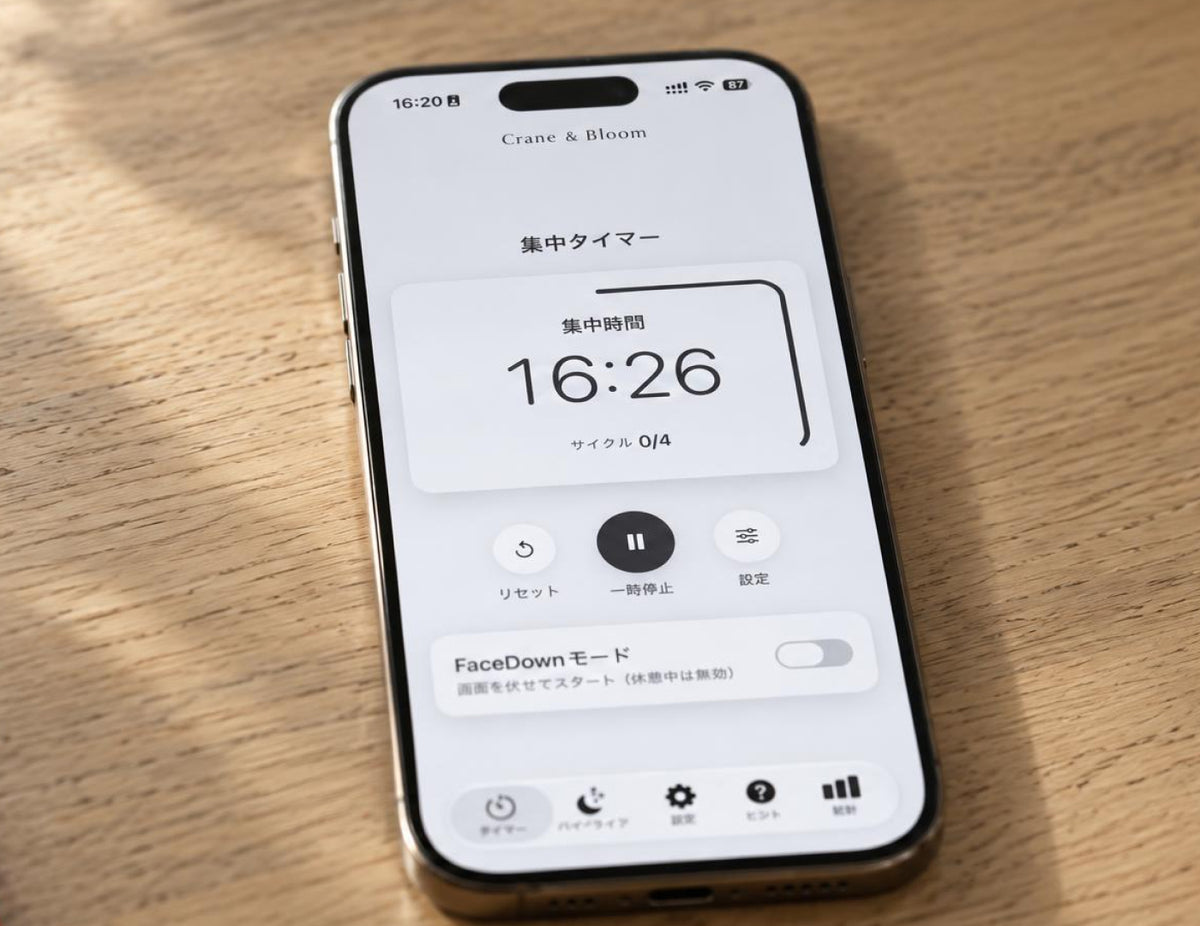
25 minutes of focus, 5 minutes of rest.
Following the Pomodoro Technique, the timer keeps a steady rhythm of work and breaks.
25 minutes of focus and a 5-minute break. After four rounds, a longer 15-minute break.*
To keep your phone from pulling your attention, FaceDown mode only runs the timer while your phone is placed face down.
*You can set focus and break times freely, in 1-minute steps.
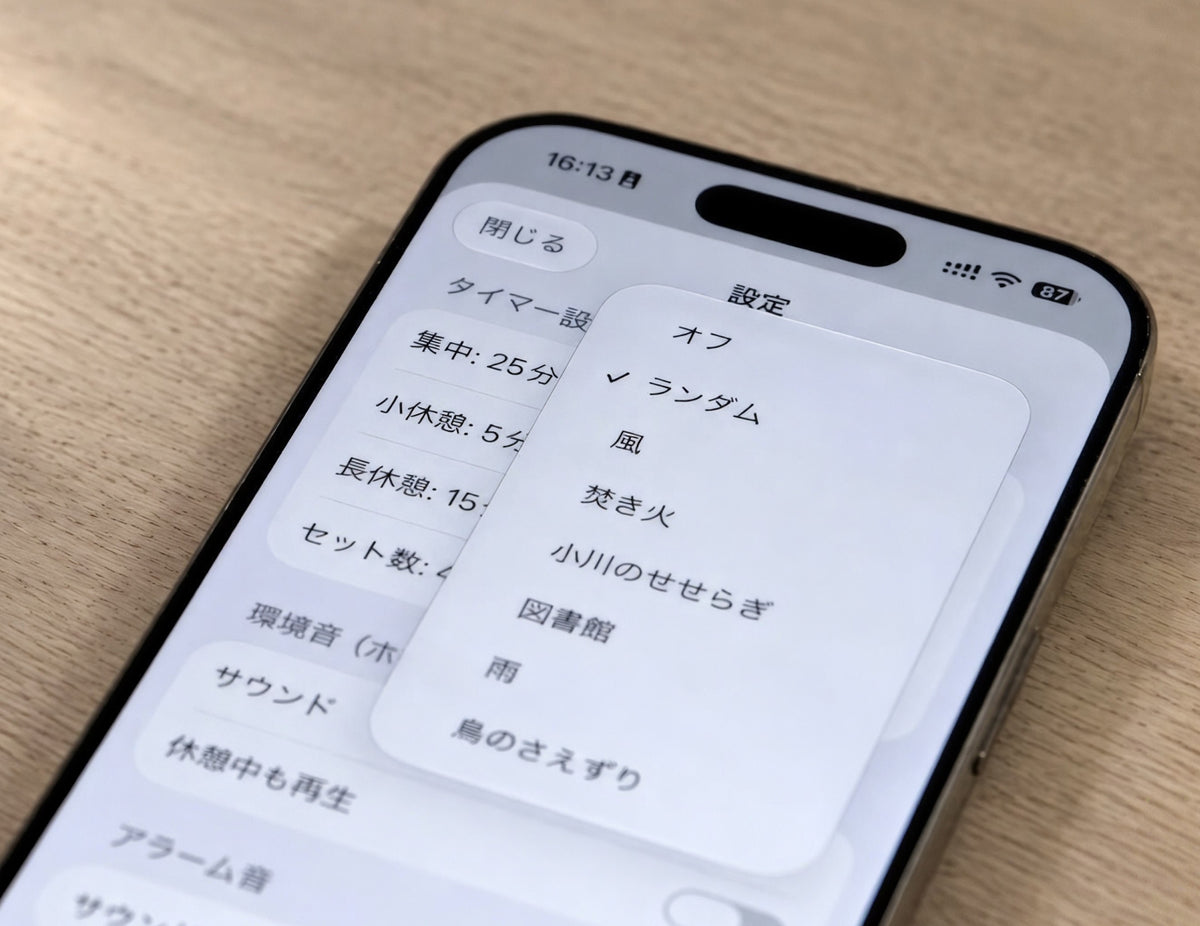
White noise to help you focus
Have you ever found it easier to focus in a café or library, with a little background sound?
The app's white noise recreates that feeling. It helps mask the sounds around you so you can settle in and focus.
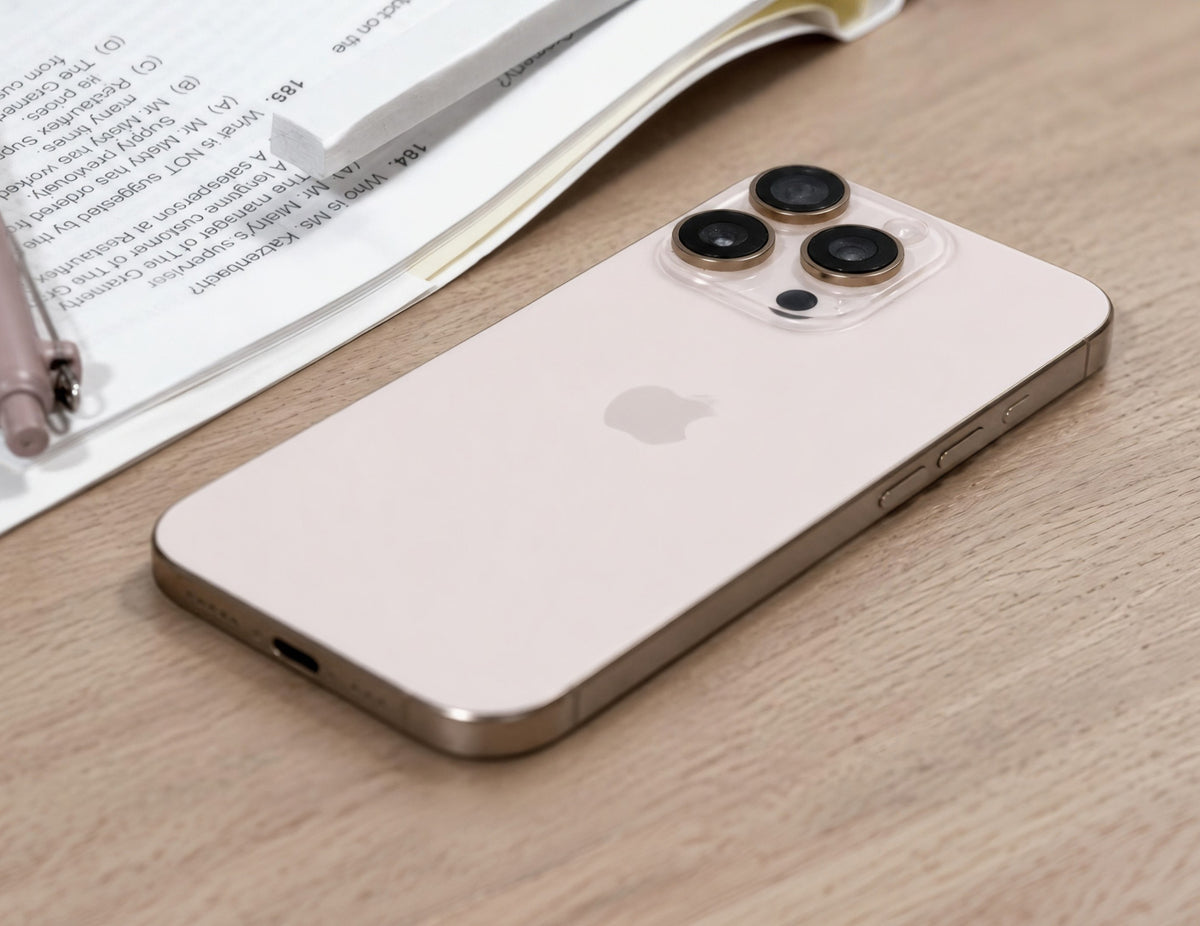
Feeling sleepy? Take a short nap.
When you can't stay focused, a short rest can work better than pushing through.
Set a time in Power Nap mode, take a nap, and return to your desk with a clear head.
Tools to use with the apps
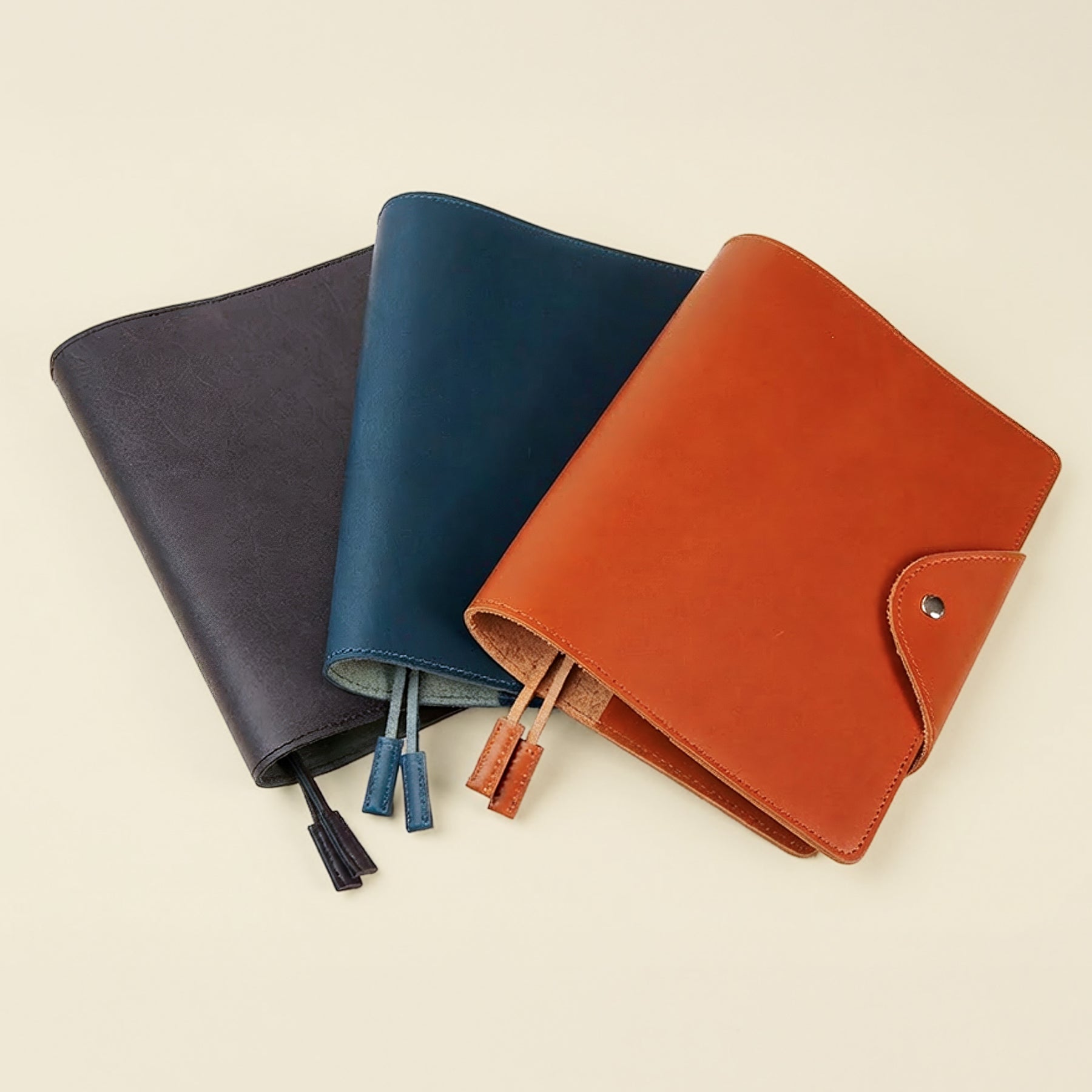
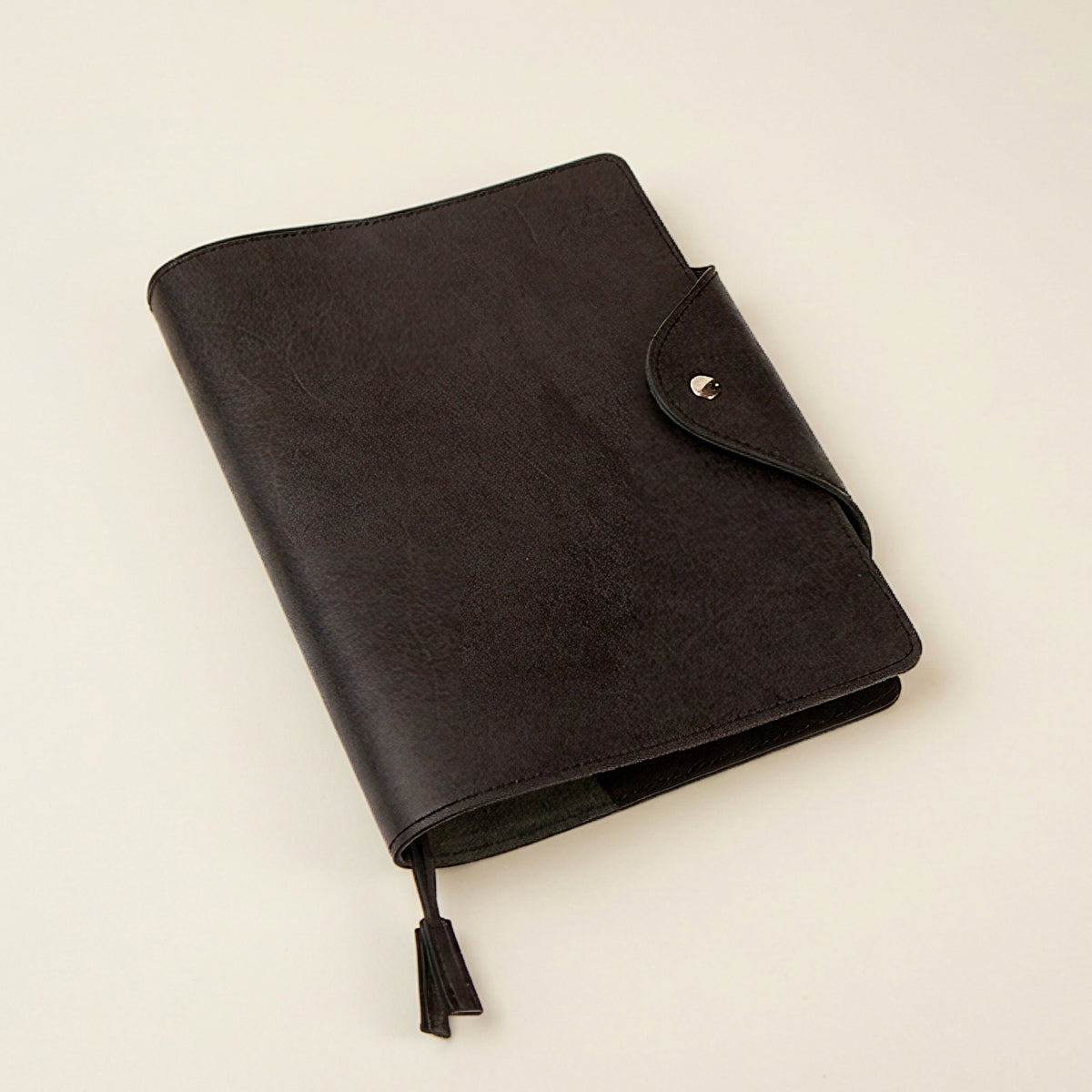
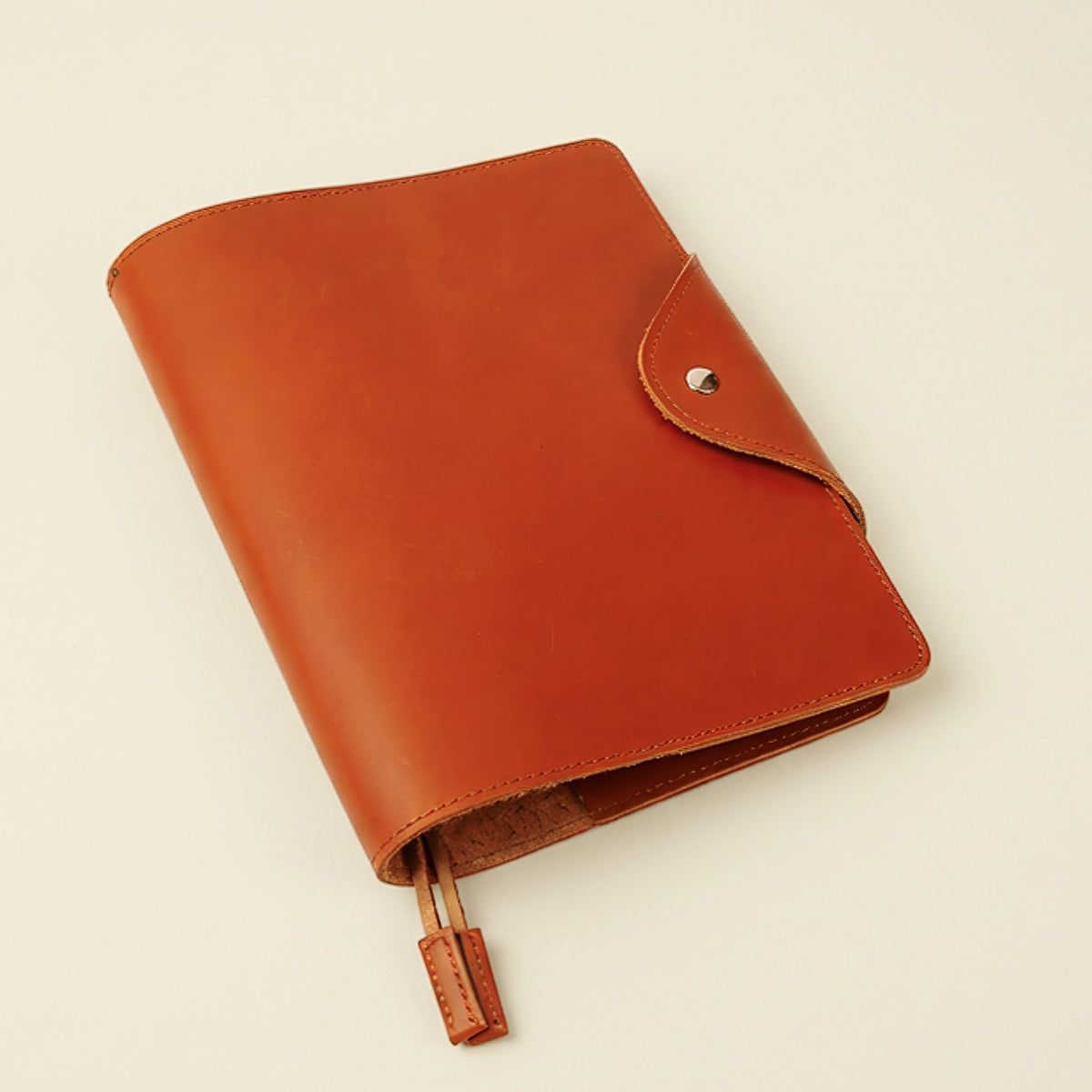
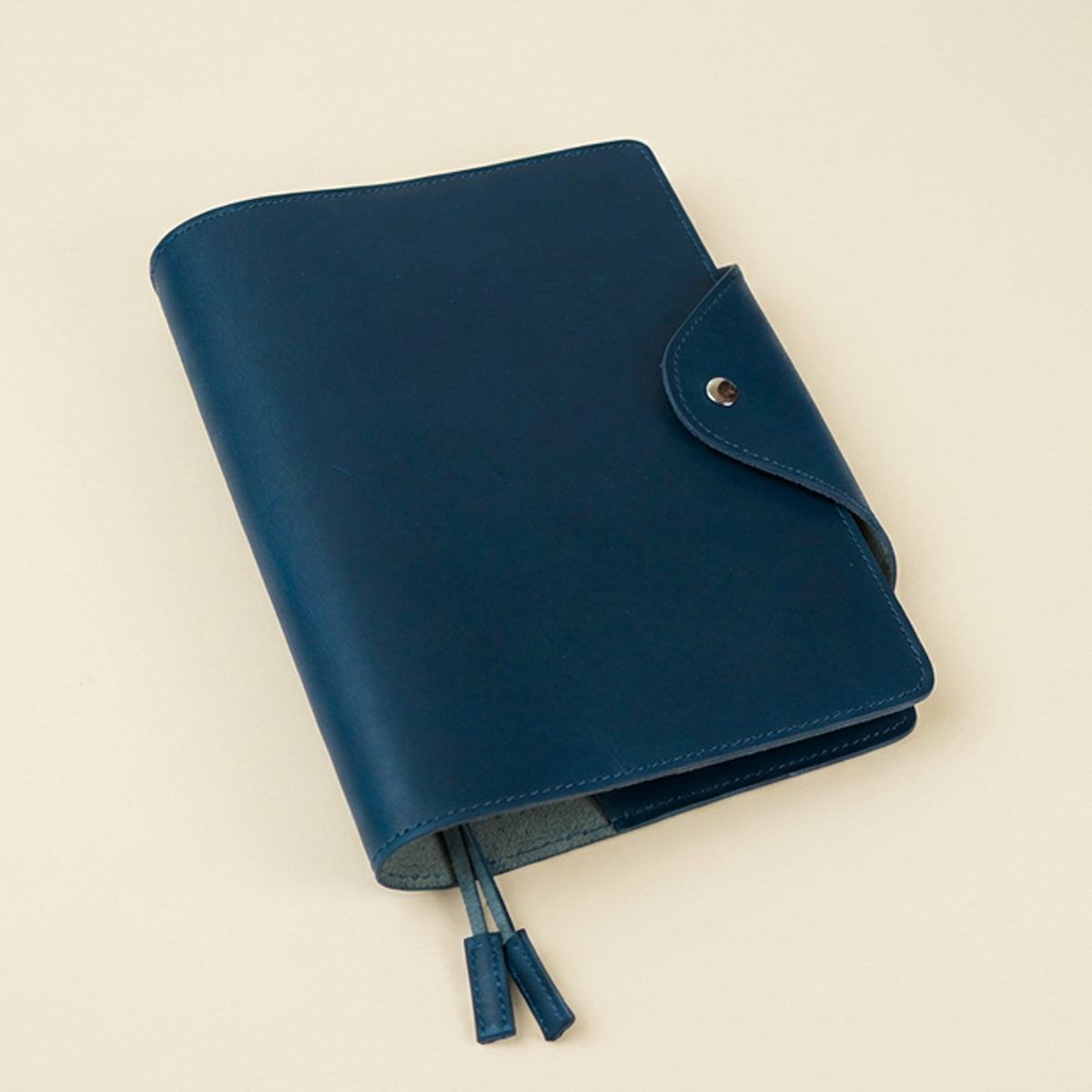
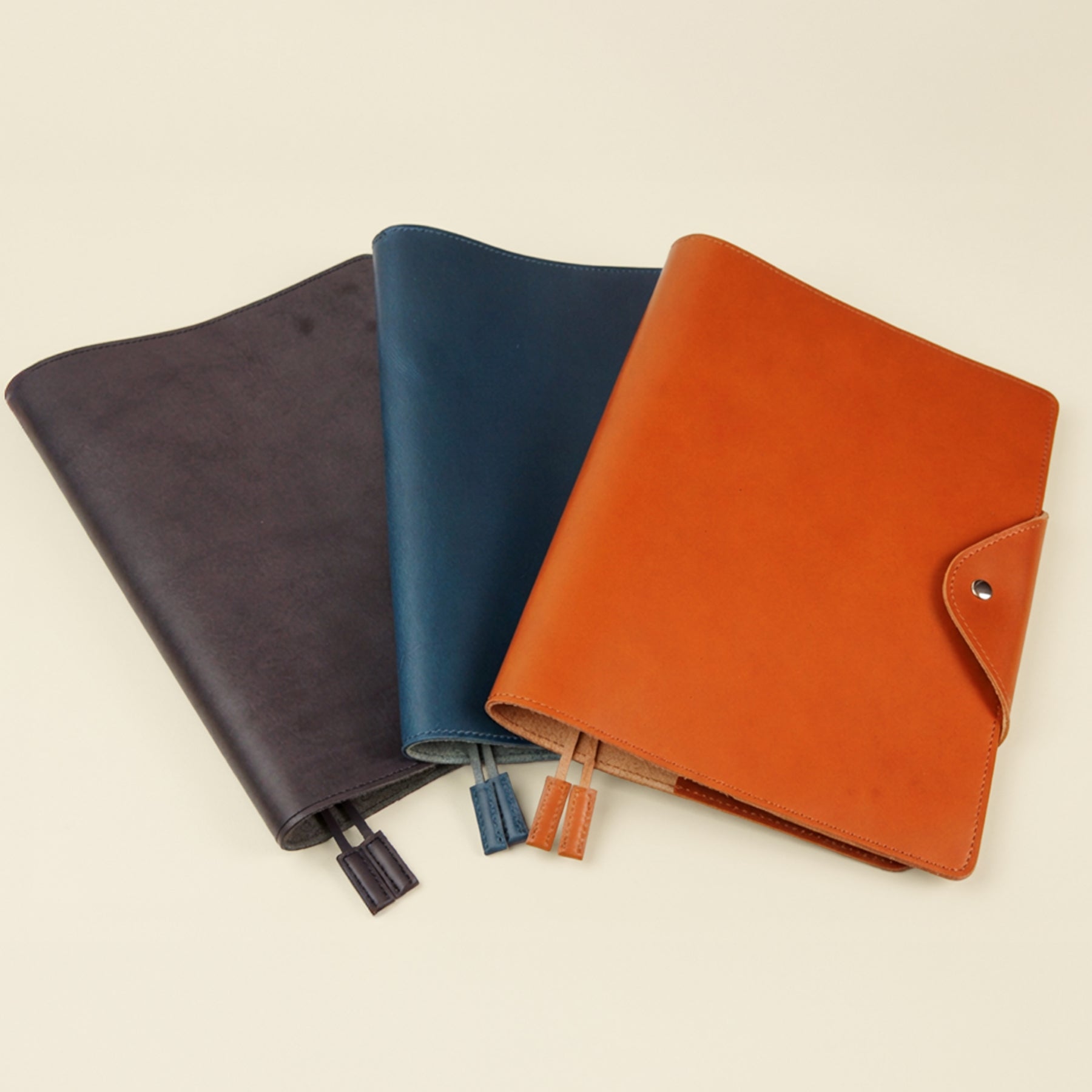
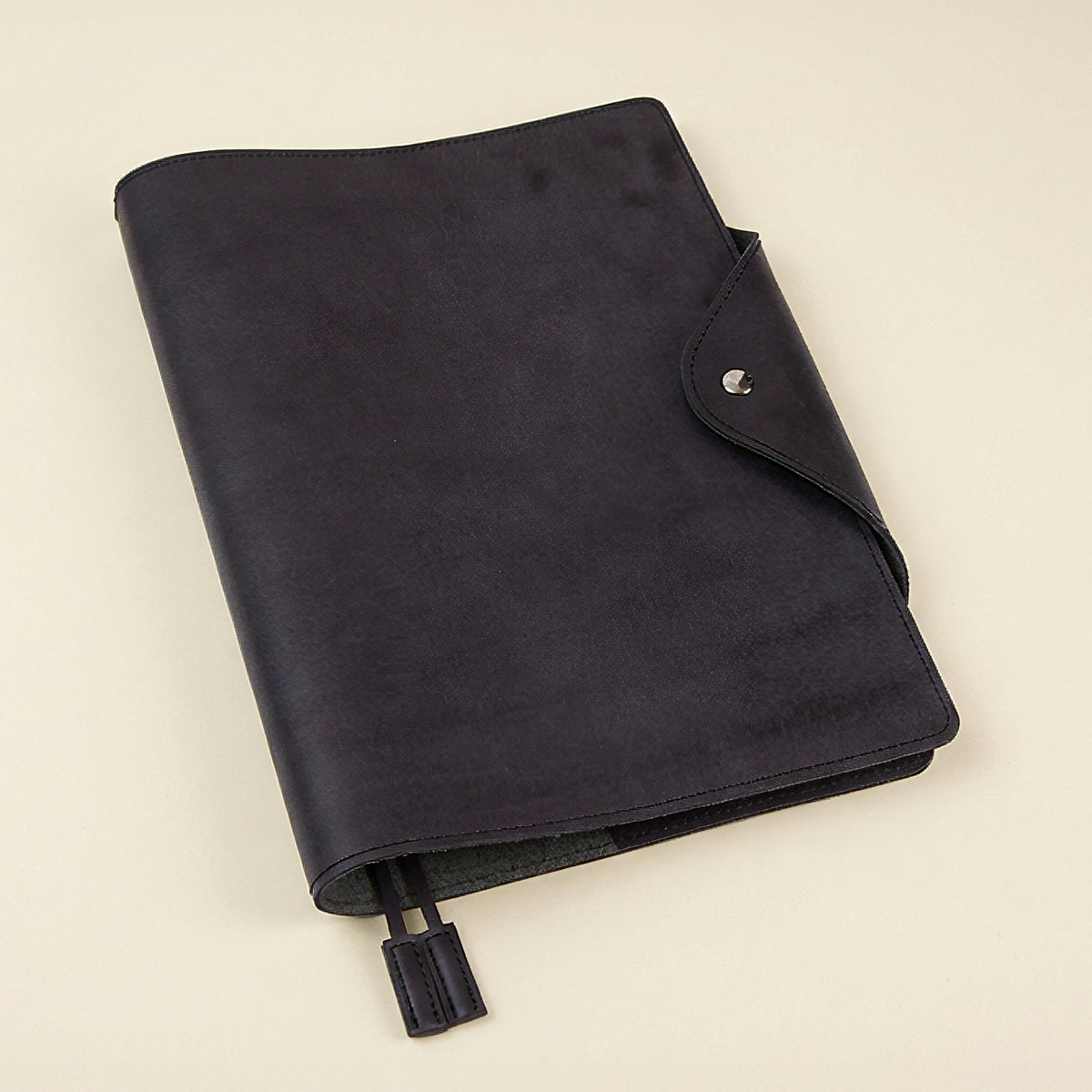
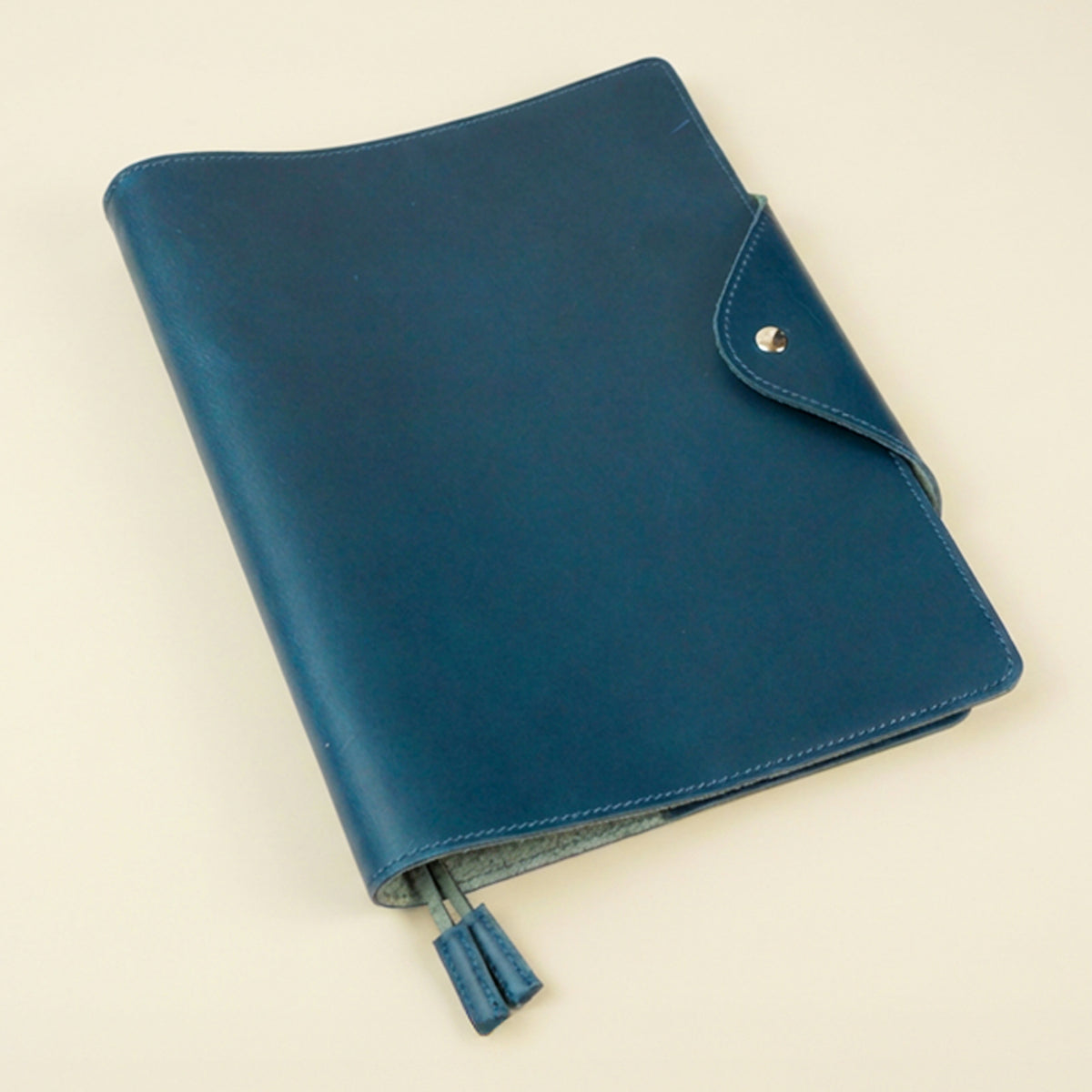
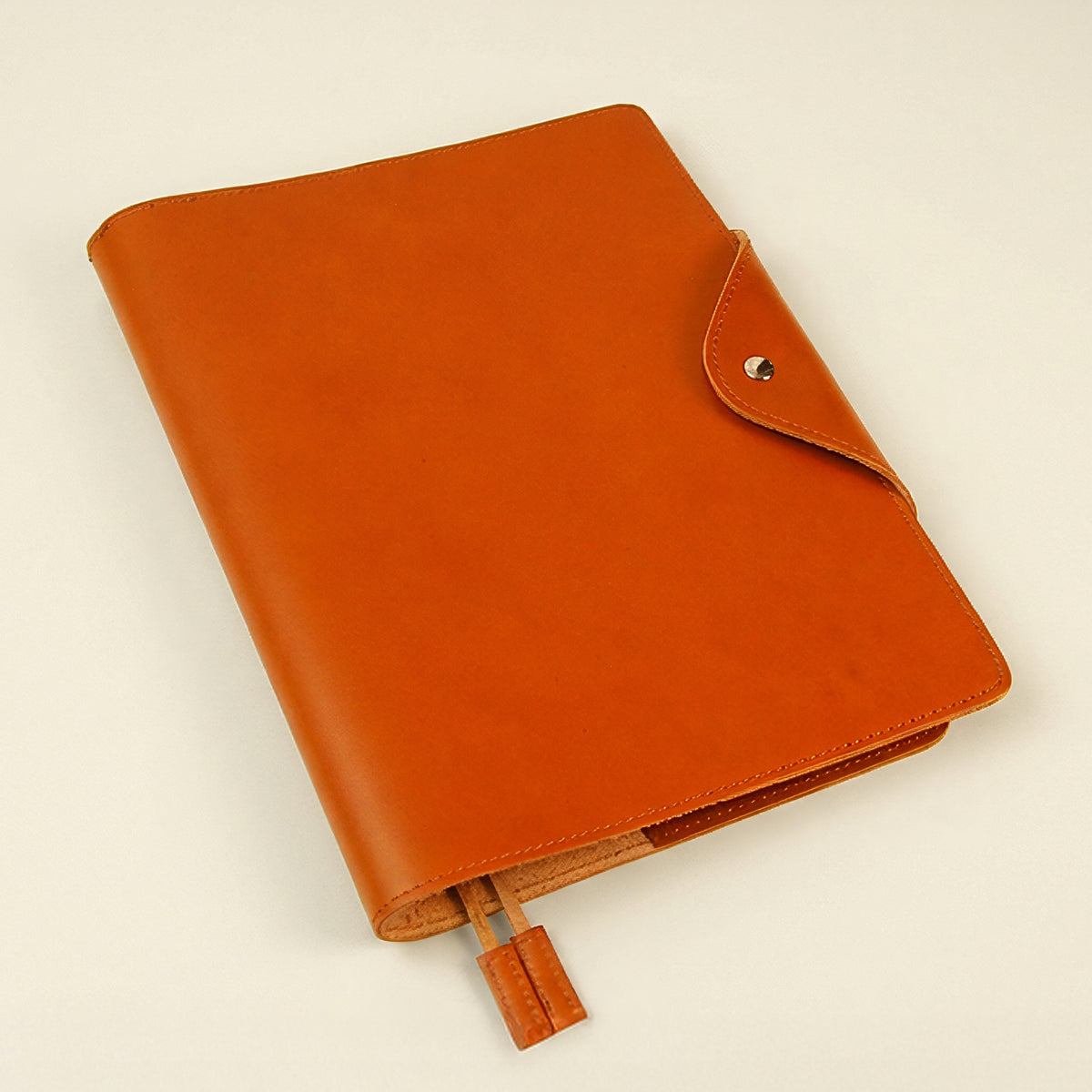
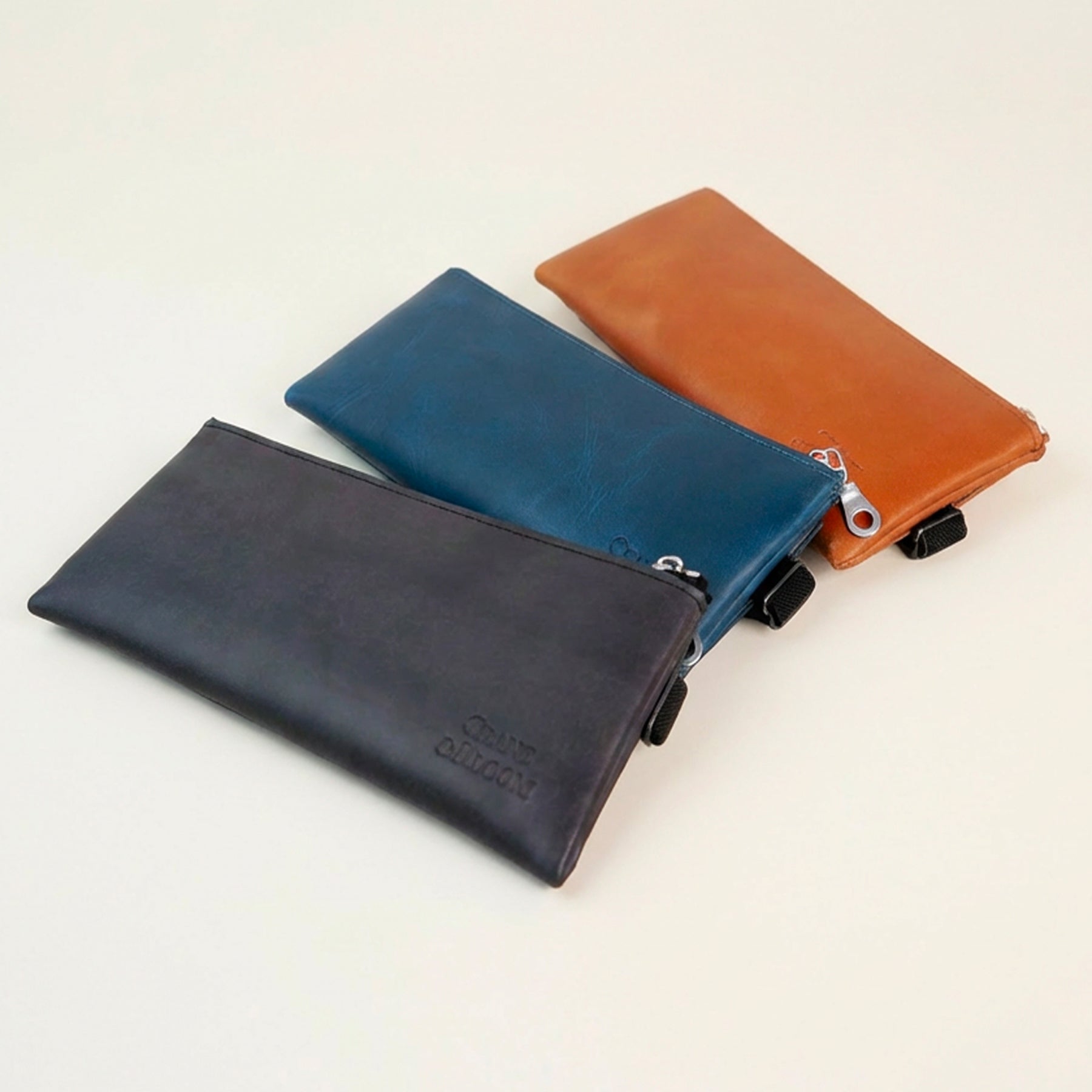
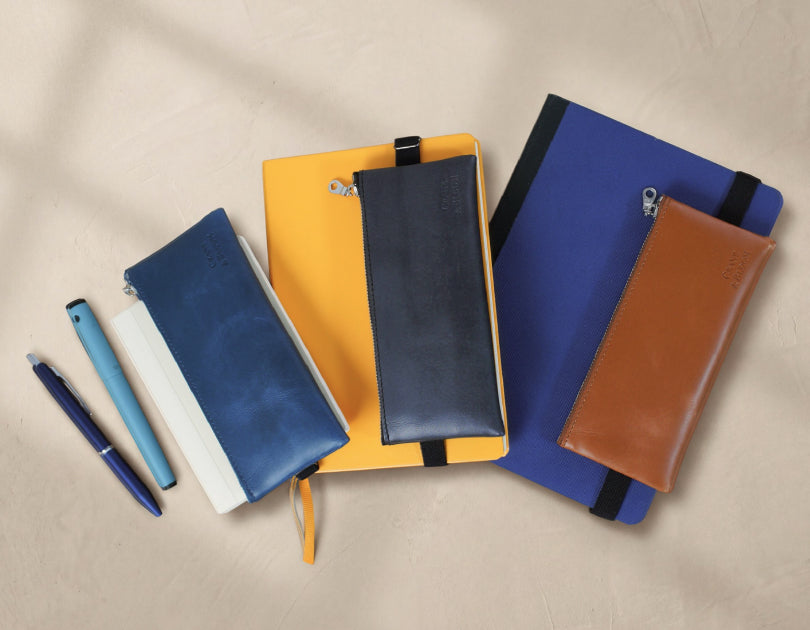
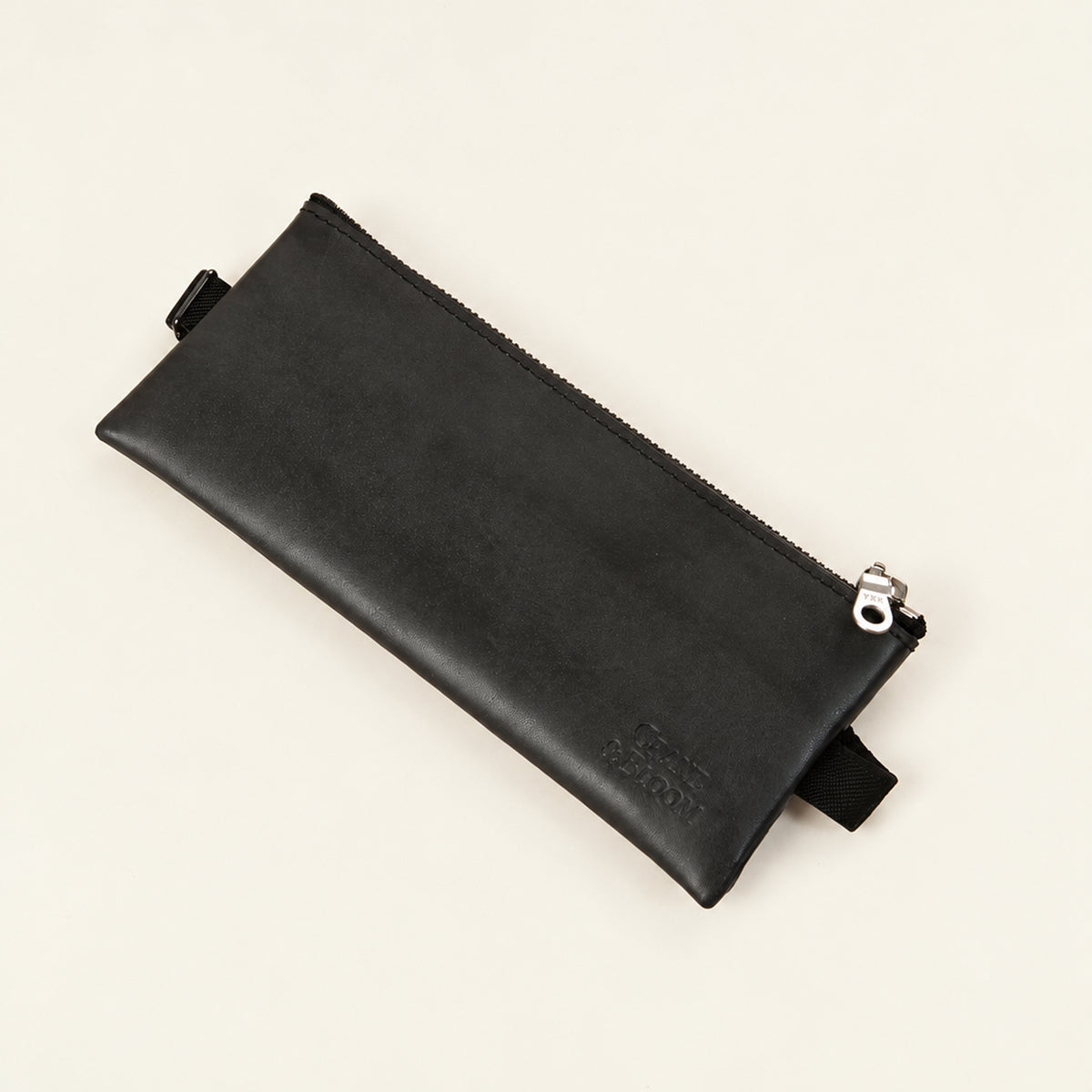
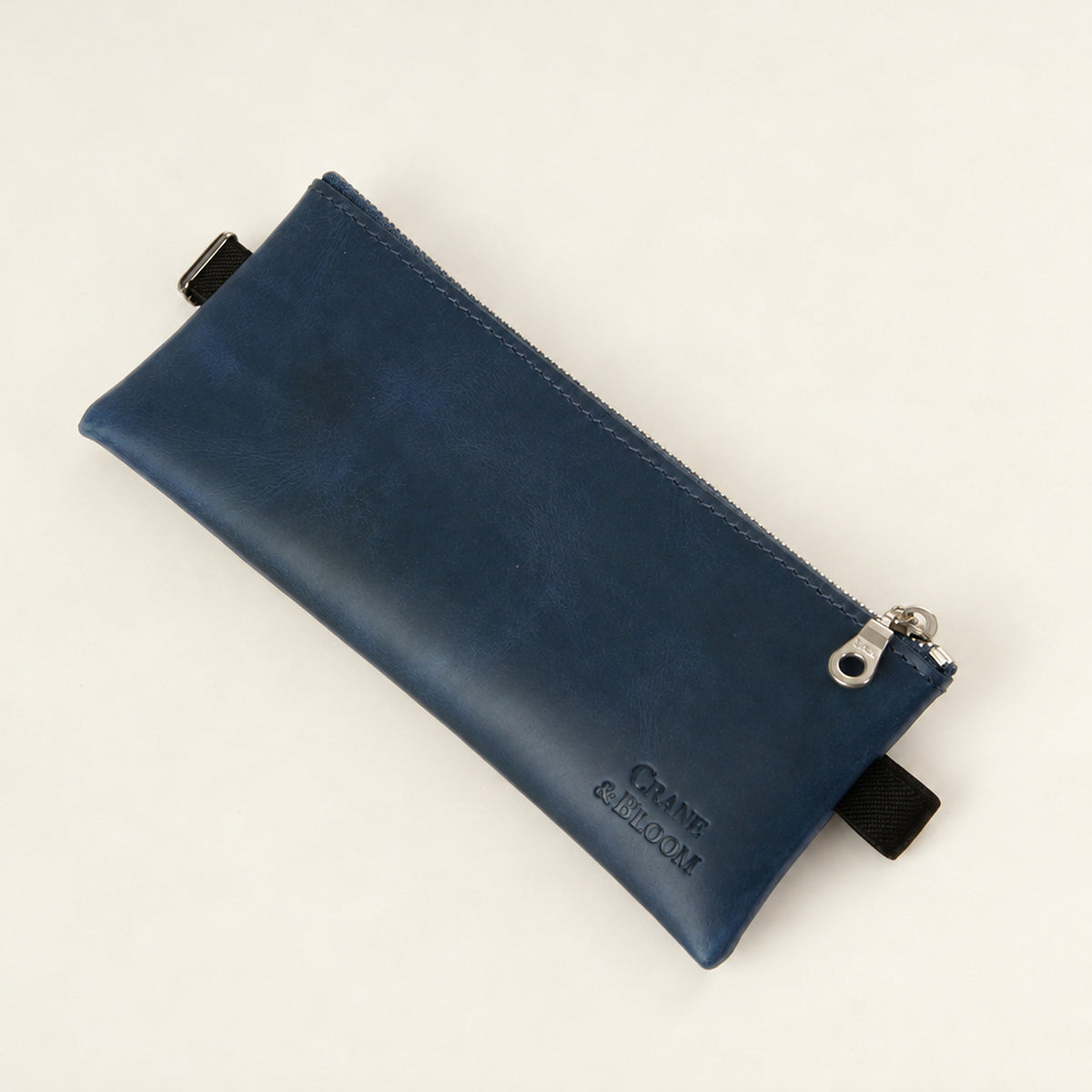
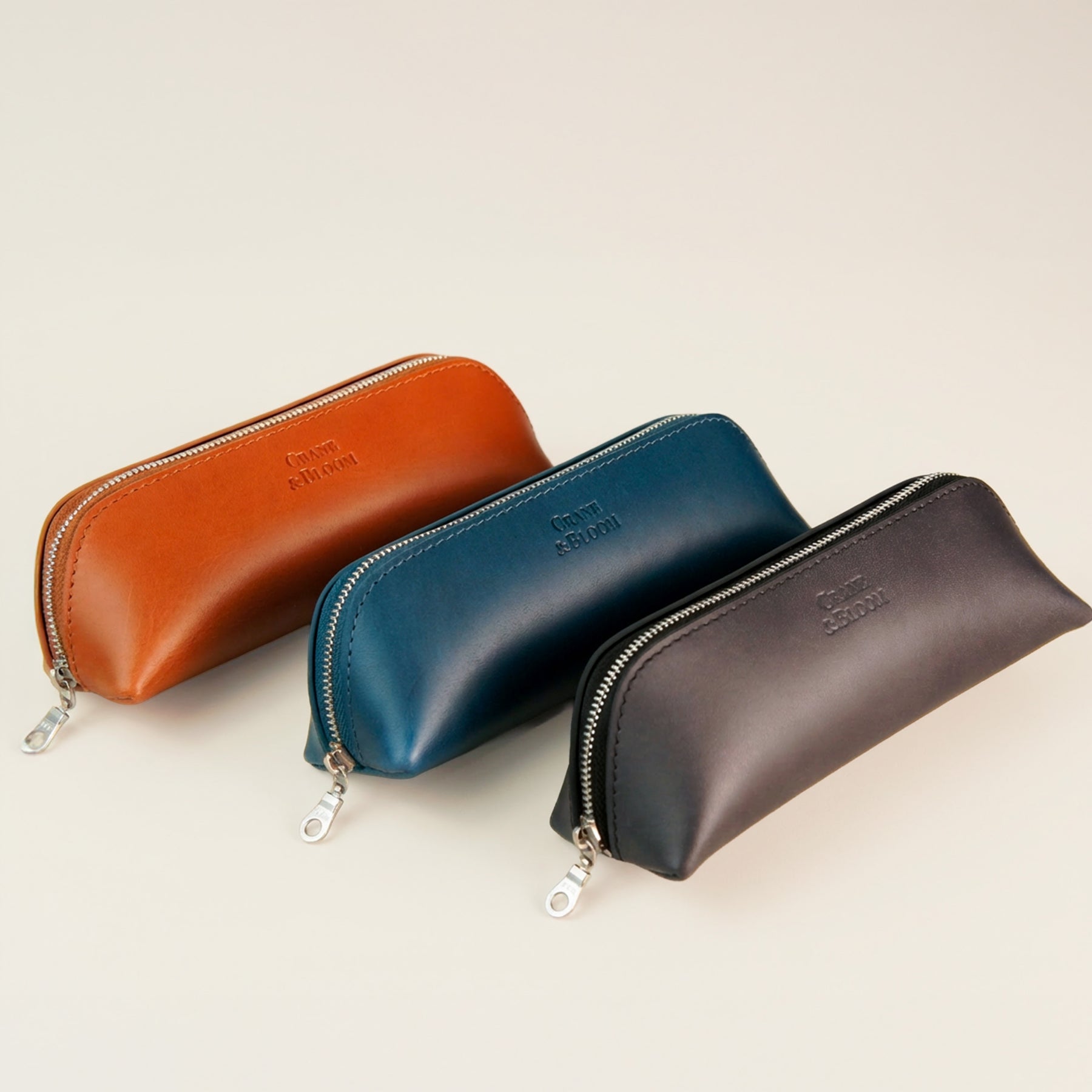
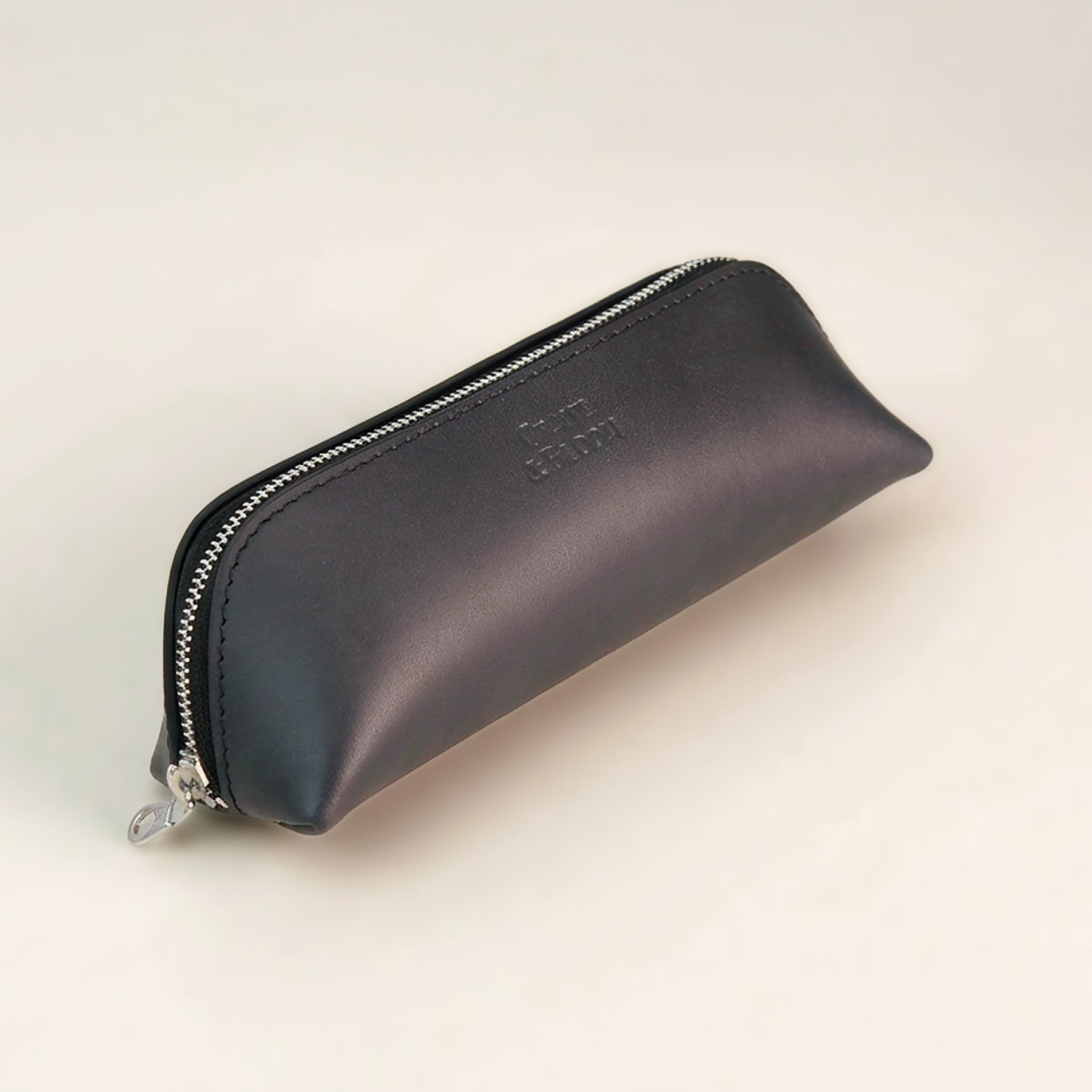
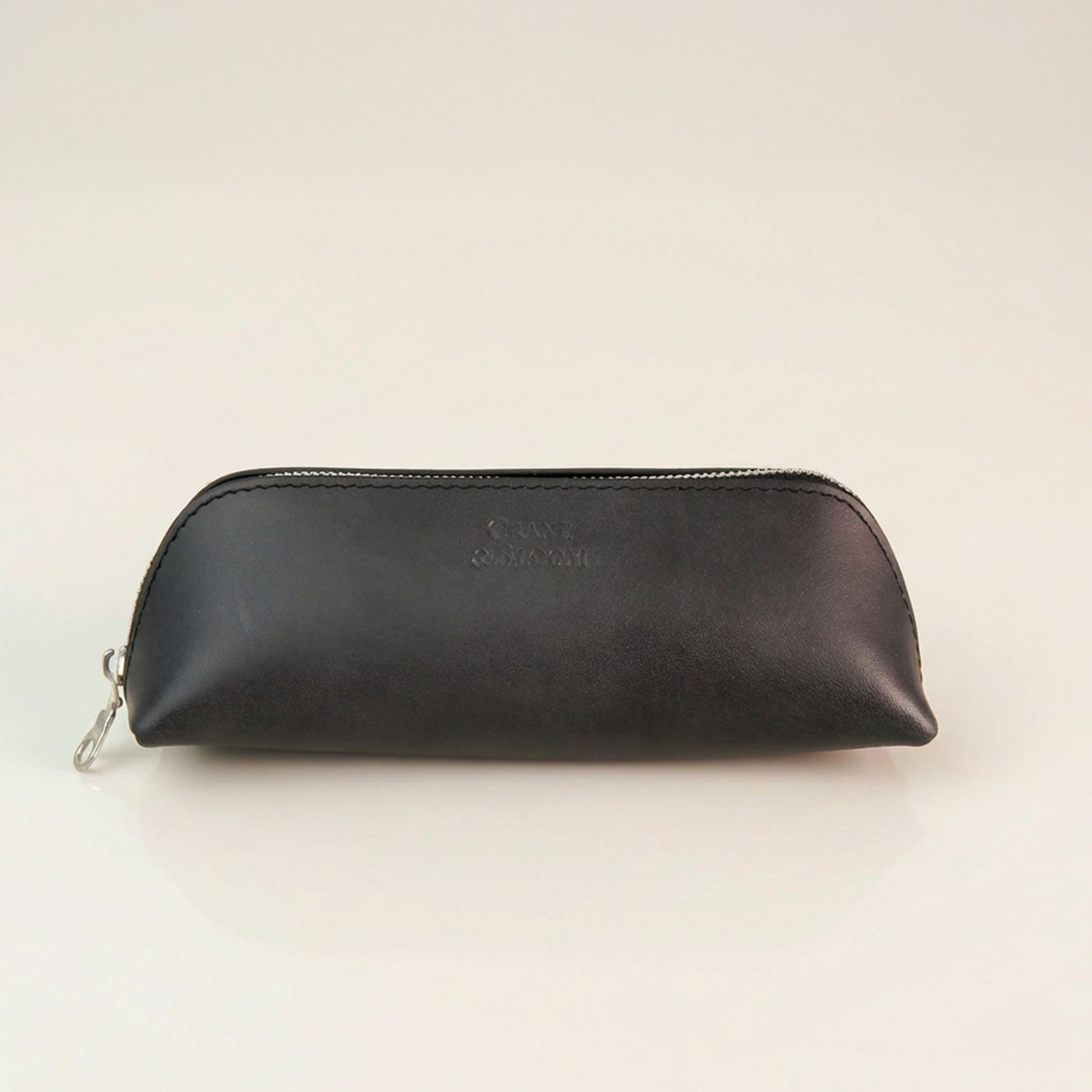
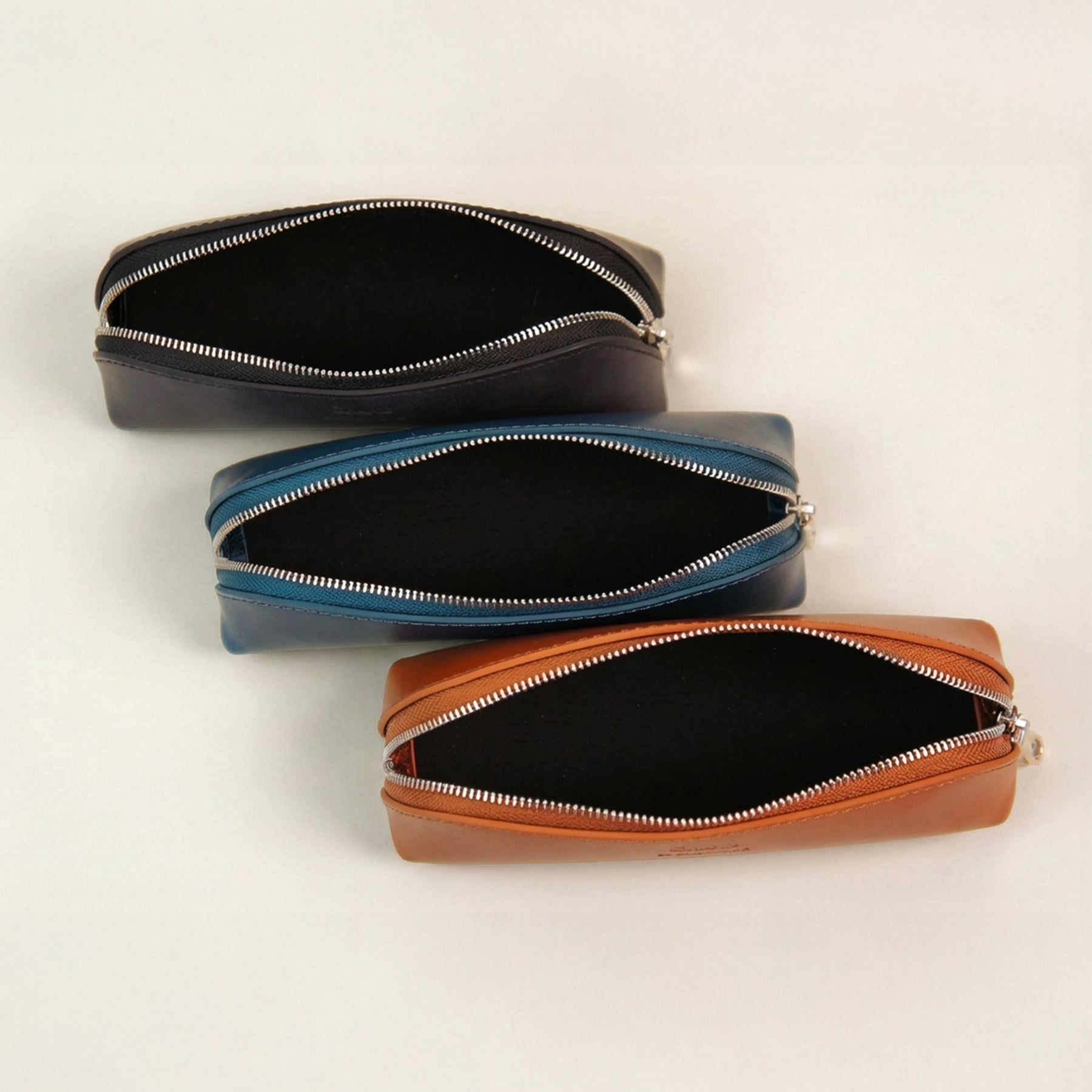
A cover for the planner you copy into, a case for the pens on your desk. Leather goods tanned and made in Japan.
FAQ
Do the apps cost anything?
Both apps are free, with no in-app purchases.
There are no ads either, so nothing gets in your way.
Do I need to sign up or log in?
No. Download the app and start using it right away.
You never enter your name or email address, and we don't collect any of your information. (The App Store privacy label also shows "Data Not Collected.")
Which devices are supported?
Both apps work on iPhone and iPad. Study / Pomodoro & Nap Timer requires iOS 18.6 or later, and Later, on Paper requires iOS 18.0 or later.
Study / Pomodoro & Nap Timer also works with Apple Watch (watchOS 10.0 or later), so you can check the time remaining and start or pause from your wrist.
There is no Android version at the moment.
Do the two apps work together?
They're separate apps. You can use either one on its own.
Where are my notes in Later, on Paper stored?
They're stored on your device. If you're signed in to iCloud, they're also backed up to iCloud.